
How to bring in buyers from before the integration
Enabling an integration handles the events received from then on. It does not automatically import your previous buyers. If you changed membership platforms or recreated a product, plan how to bring in people who already have access rights.
You need permission to view and manage this feature on your platform.
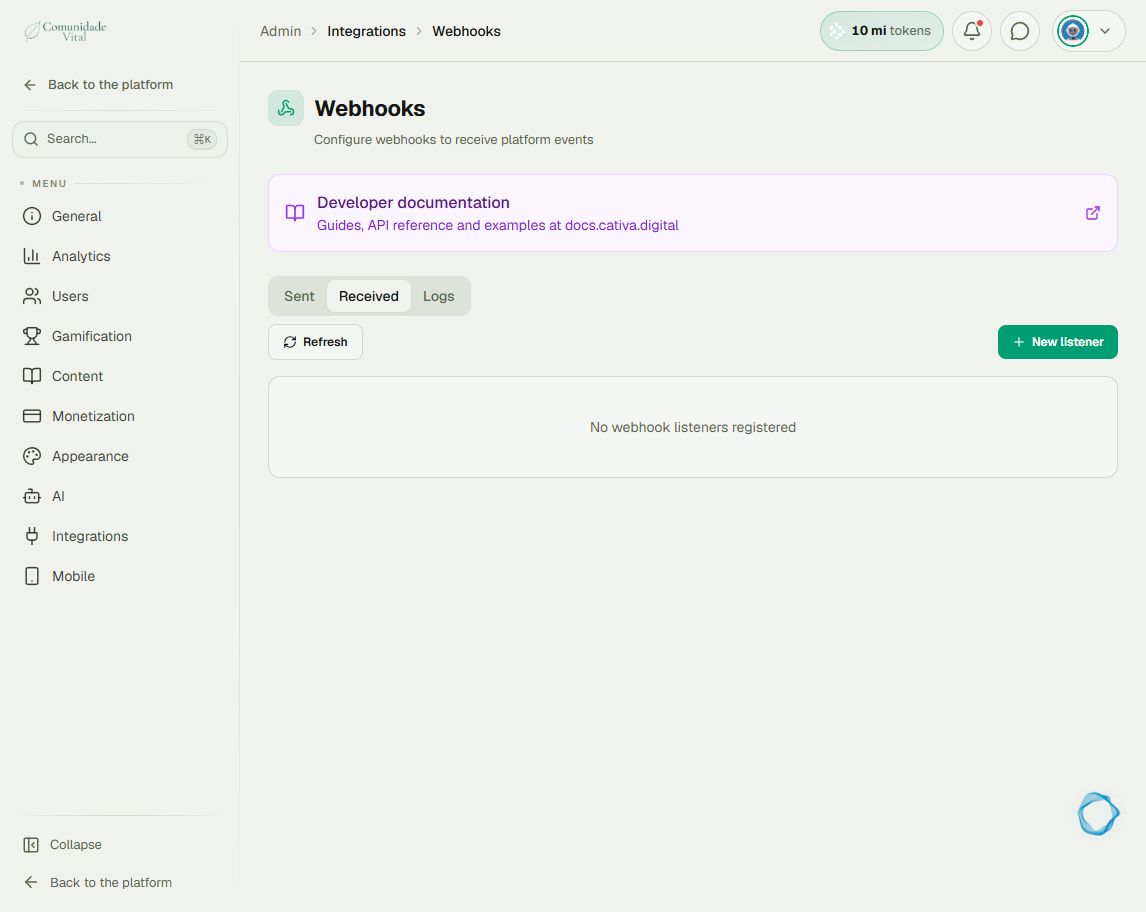
On the platform, open your profile picture and choose the administrative panel. Then follow: Integrations → Webhooks → Received.
1Separate past purchases from new sales
Check listener URLs and criteria for future sales. Export buyers whose access is still valid from the gateway and define a cutoff date. The platform does not automatically reconcile this list with received deliveries.
2Choose an import method
For people who are not registered yet, use user import with the appropriate badge. For existing members, use badge import and preserve each access expiration date. See How to import users from a spreadsheet and How to assign badges in bulk; do not accidentally grant a full new access period to an old purchase.
3Check a sample, then the batch
Compare email, badge, expiration and accessible content for a few records before processing the full batch. Afterwards, review the import results and handle errors individually. Continued access on the old platform depends on that provider’s rules.
Tip
If the product ID changed, also review How to separate offers and products in incoming webhooks. Do not bulk-resend events without checking their effects.
Frequently asked questions
Does changing delivery in the gateway import old purchases?
Not automatically in Cativa. You need to organize the import of previous buyers separately.